How Independent Artists Can Use an AI Rap Video Without Diluting Their Real Sound
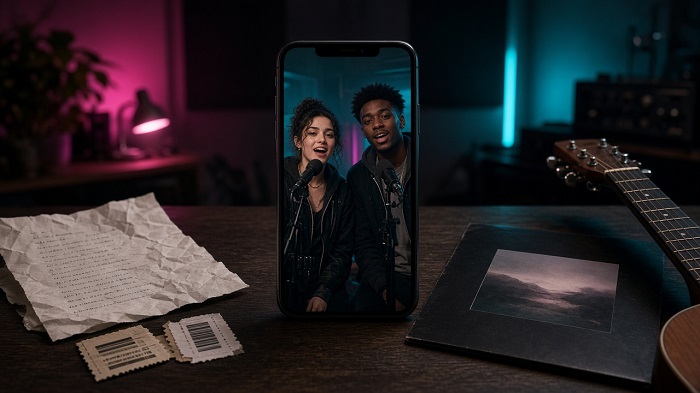
Picture a singer posting a polished single cover on a Tuesday afternoon. The people who already care see it. Meanwhile, short vertical clips built on whatever format is moving that week keep travelling through feeds the artist never reaches.
Independent acts feel that gap every month. Trends move faster than a film day, and copying a format with no plan can make an act look as if it is chasing attention rather than building a catalogue. Treat a trend clip as short promotion with one job—tickets, a pre-save, or a merch drop—while your real recordings stay the thing fans keep.
For photo-to-performance formats now circulating on TikTok, Reels and Shorts, an ai rap video generator can turn one or two existing photos into a vertical clip with an original beat and lip-synced bars. That leaves your time for the judgement call: whether the format suits you, what the clip should sell, and what real music sits one tap away.
Decide Whether the Format Fits Your Act
Not every trend deserves a reply. Before you make anything, check four things quickly.
Faces. Some formats need two people: a duo, two bandmates, or an artist and a regular collaborator. Others work with a single clear selfie. If the trend is built around a pair and you are a solo act with no willing partner, skip it.
Tone. A band that already posts self-mocking clips can carry a comedy freestyle; an act known for quiet sincerity may confuse fans with one jokey booth video. Match the format to how you already speak online.
Timing. Trends age in days, not weeks. If the feed is already full of exhausted remakes, a late entry reads as an afterthought. Missing one format costs nothing.
Consent. Anyone who appears should be happy to be shown performing—even as a joke. Ask before you upload someone else’s face.
If any check fails, walk away. A clip that feels off-brand will sit on your profile long after the trend is gone.
Give the Clip One Job Before You Hit Generate
A trend video earns its place when it moves people towards something specific. Choose that action first: tickets for a named show, a pre-save, a shirt drop, a mailing list. Then write the caption and decide where the link will sit.
This matters more when the verse and vocals are generated rather than recorded by you. The clip will not showcase your actual sound; its job is to borrow attention and hand it to your real music and your shop. If you mainly want strangers to hear what you sound like, use a live or rehearsal snippet and keep the trend piece as support.
Make the Clip From Photos You Already Have
Once the plan is settled, production can be short. On Hookai, upload one clear photo—or two for a duo—pick a theme or stage, and optionally write a one-line idea for the verse. The tool builds original bars and a beat, then returns a vertical lip-synced performance.
Photos that actually help
Use front-facing, well-lit shots with the face clear—no sunglasses, heavy filters or half-shadow press portraits. A plain phone selfie often works better than your best promo still. The two photos need not be taken together.
The topic line
Keep the idea to one sentence: names, the event, one memorable detail. “Maya and Jordan’s first headline, 22 November, bring earplugs” gives the verse something concrete. Long date lists will not fit twelve seconds.
Review before you post
Watch the render at least twice. Check faces, names and dates in the lyrics, and that the lip-sync does not kill the joke. If a detail is wrong, simplify the line and generate again. If faces look off, swap in brighter photos first.
Post It So Fans Have Somewhere Useful to Go
Twelve seconds will not hold every practical detail, so the caption must. Put the date, the town and the action in the first line, before the platform truncates the text. Repeat the link in a pinned comment where you can.
Be open about how the clip was made. A short note such as “AI edit—real gig tickets in bio” keeps faith with fans who might otherwise assume the verse is a new release.
Post while the format is still alive, and follow up within a day or two with a rehearsal clip, a real single snippet or merch on a real person. Judge by clicks, pre-saves and tickets—not view count alone.
Let the Trend Open the Door—Then Play Your Own Music
A viral format is worth joining only when it fits your act, involves people who consent, and points to one clear action. When you use a rap video AI workflow, decide that action first, write the caption around it, and keep your real recordings one step away. A trend clip borrows attention; the fans you keep will stay for the songs, shows and merch waiting on the other side.